

A contact form is a quiet little doorbell. If it rings and no one hears it in GA4, your marketing data tells half the story.
For local businesses, contact form tracking ga4 shows which pages, ads, and search visits turn into real leads. In 2026, the tools are familiar, but clean tracking still makes the difference between guessing and knowing.
Why form submissions matter more than traffic spikes
A form submit is not a casual click. It’s a hand in the air.
That matters because local businesses don’t win on traffic alone. They win on booked calls, estimate requests, consultation forms, and quote requests. When you track those actions, you can see whether your homepage, service page, city page, or ad campaign brought in the lead.
Good Website design gets a visitor to the page. Good tracking shows whether the page did its job. That also ties into branding, because a polished look may build trust, but trust only counts when someone takes action.
GA4 has not rolled out a special 2026 feature only for contact forms. The same three methods still carry most setups: thank-you pages, enhanced measurement, and Google Tag Manager. However, the pressure is higher now. Ad costs are up, local SEO is tighter, and owners want proof before raising spend.
Form data also sharpens lead quality. If a campaign drove ten form submissions but only one turned into business, the weak point may be follow-up, not traffic. That’s a better problem to solve.
GTM vs native setup, and when each one wins
The best method tracks a true success, not a hopeful click. If your form sends visitors to a thank-you page, start there. It’s the cleanest option and the easiest one to explain in a meeting.
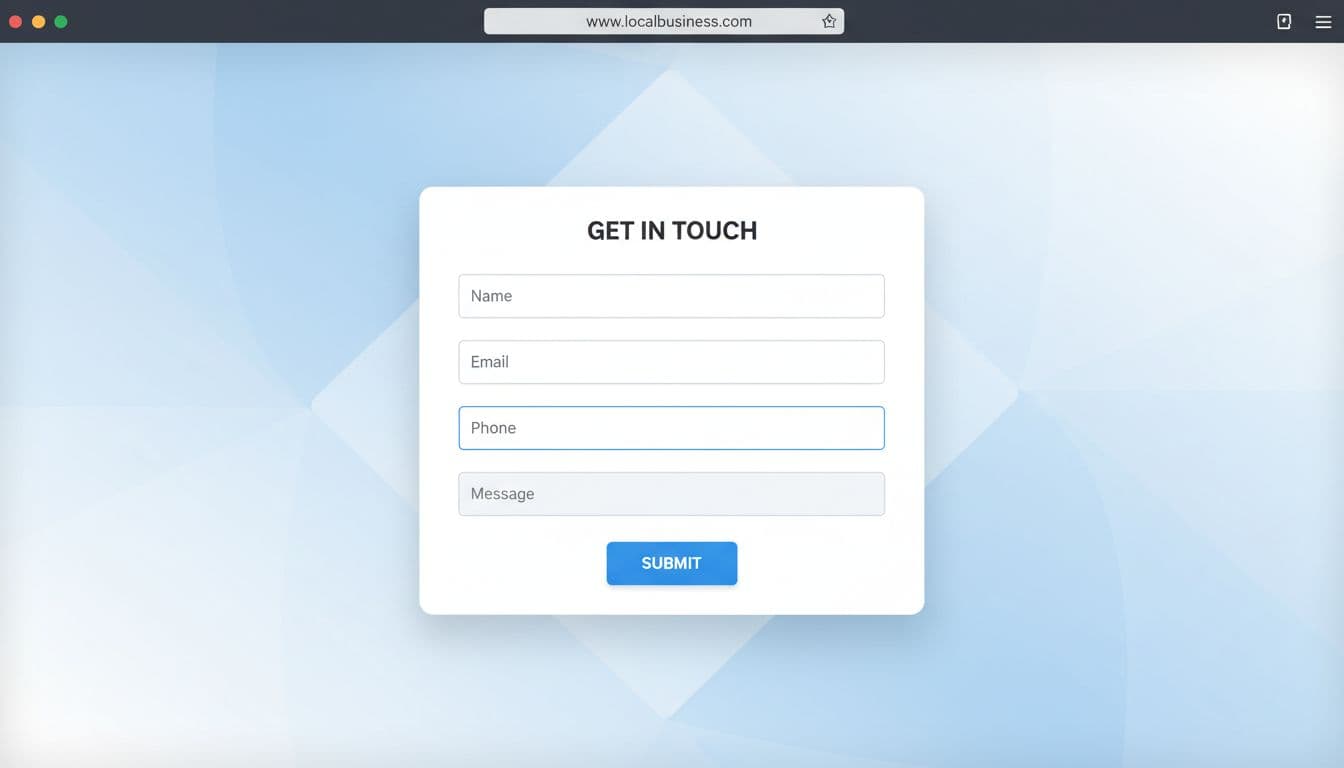
This quick comparison helps:
| Method | Best when | Main risk |
|---|---|---|
| Thank-you page | The form redirects to a unique success URL | Extra visits to that page can inflate leads |
| Enhanced measurement | The site uses a simple native form | It may miss AJAX forms or overlap with other tracking |
| GTM event | The form stays on-page, loads in a popup, or is embedded | Poor triggers can cause missed leads or duplicates |
If your site runs on WordPress, native plugin options may be enough. Many plugins can redirect after submit or fire a success event. That’s one reason well-built professional WordPress websites are easier to measure, because the form, page, and event logic stay under your control.
Use GTM when the form is AJAX-based, embedded from another platform, or shown in a modal. In those cases, GA4 may not catch a reliable submit on its own. A GTM trigger tied to a success message, data layer push, or confirmed callback is safer than tracking the button press. If your team wants a deeper walkthrough, this GA4 and GTM setup guide is a useful reference.
Some firms are also moving toward server-side tagging in 2026 for privacy and cleaner data. Still, most local businesses should get the basics right first.
Mark the event as a key event, then prove it’s real
Once the event reaches GA4, mark it as a key event. Many marketers still call these conversions, and that’s fine, but GA4 uses the newer label. For contact forms, the standard event name generate_lead is usually better than a pile of custom labels.
Keep the setup simple. You might send generate_lead with parameters such as form_name, page_location, and office_location. That gives you useful reporting without building a junk drawer of fields.
Now test it like you don’t trust it.
Open Tag Assistant in GTM Preview mode. Submit the form once. Then open DebugView in GA4 and confirm that the event appears once, with the right details attached. Also filter internal traffic, or your own team will quietly pad the numbers.
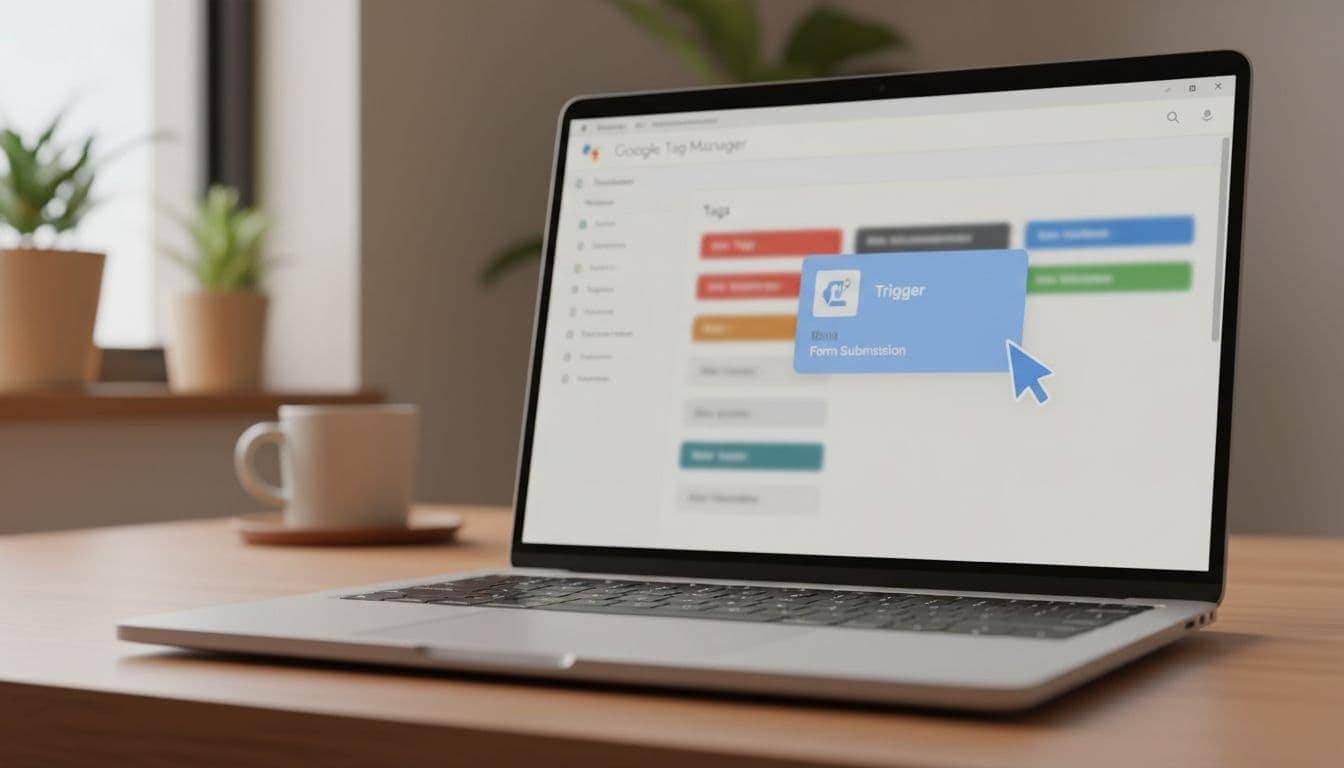
Track the success state, not the button click. A click is intent. A thank-you page or confirmed success message is proof.
Double counts are the trap most teams hit first. They happen when enhanced measurement, a plugin event, and GTM all fire on the same form. They also happen when a click event fires before the form fails validation. If one test submit creates two leads, stop there and clean it up before you trust the report.
For messy forms, especially AJAX and embedded tools, this guide on tracking any form in GA4 using GTM shows the patterns that usually hold up.
Connect form tracking to local SEO and lead attribution
Good attribution turns a form into a trail of breadcrumbs. In GA4, compare lead events by landing page, session source, and campaign. Then look at which city pages, service pages, and blog posts produce contacts, not only visits.
For example, a service company may find that one city page brings less traffic than the homepage but far more form leads. That’s the kind of signal that guides SEO, ad spend, and content updates. It tells you where your local SEO is pulling its weight.
A few habits make this far more useful. Add UTM tags to Google Business Profile website links, paid campaigns, and email sends. Pass a simple location or service parameter when you have multiple offices. Keep thank-you pages out of navigation. Then re-test after redesigns, plugin changes, or form replacements. That’s basic website maintenance, not busywork, and a solid WordPress maintenance checklist 2026 helps keep it from slipping.
This is also where marketing stops being abstract. A sleek rebrand may help branding. Better copy may improve response. Cleaner forms may lift conversion rate. But until the event is tracked, all of that sits in the fog.
If your strategy leans on map visibility and city pages, tie form data back to your local SEO for service businesses work. For teams planning sources in more detail, this tracking plan for local services is a practical model.
When the porch light comes on
A form without tracking is still a mailbox in the dark. Once contact form tracking ga4 is set up the right way, the light flips on.
Pick the simplest method that records a real success. Mark that event as a key event. Test it in Tag Assistant and DebugView. Then tie the data back to SEO, local SEO, and the campaigns that drive real leads.
When the next lead slowdown hits, you won’t be left guessing where the leak started.