
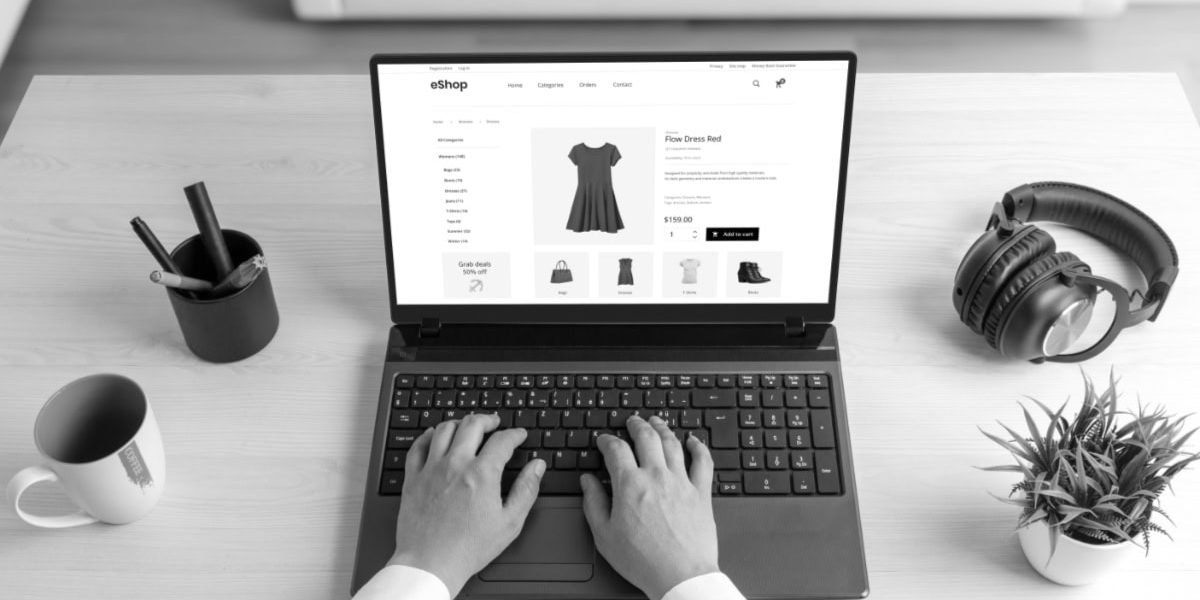
You’re getting traffic. People are landing on your product pages. Then they leave, and you’re left staring at a sales report that doesn’t match your visitor count.
In WooCommerce, a product page has two jobs at once. It’s a sales page for shoppers, and it’s an SEO page for Google. If either job falls short, you pay for it with lost sales, weak rankings, and more support emails than you want.
In 2026, an optimized WooCommerce product page is fast, clear, and genuinely helpful. It answers questions before buyers ask them, works smoothly on mobile, and gives search engines enough structure to understand what you’re selling. The payoff is simple: more conversions, higher average order value, fewer returns, and steadier organic traffic over time.
Optimized product pages turn clicks into sales (and reduce refunds)
Most store owners think growth comes from more traffic. Traffic helps, but product page improvements often scale better because they apply across your catalog. A small lift in conversion rate on 50 products can beat a big ad spend increase, especially when your margins are tight.
Product page optimization is also one of the few changes that improve both income and operations. When the page is clear, shoppers choose the right item the first time. That means fewer “Will this fit?” emails, fewer wrong-size orders, and fewer returns that eat your profit.
It’s helpful to think of your product page like a good in-store salesperson. A strong page doesn’t “talk more.” It guides the buyer to the right choice with the right details, at the right moment. That’s what reduces hesitation, and it’s what reduces buyer’s remorse later.
How shoppers decide in seconds on a product page
Most shoppers don’t read product pages top to bottom. They scan, then they decide what to do next. Your layout should respect that behavior.
In the first few seconds, people usually look at the product title, main image, price, and anything that signals risk or effort. Shipping cost, shipping schedule, return rules, and whether the item is in stock all affect that snap judgment. If key info is missing, they don’t always hunt for it. They bounce and keep shopping elsewhere.
Clarity is your best conversion tool. If a shopper is unsure about size, fit, compatibility, materials, or warranty, they hesitate. That hesitation shows up as “I’ll come back later,” which often means “never.” The goal is to answer the common questions before they become reasons to leave.
If you sell items with options, variation clarity matters even more. “Small / Medium / Large” is fine for a t-shirt, but unclear for shades, finishes, or model years. The more specific your labels, the fewer wrong orders you’ll get.
Trust builders that increase conversions on WooCommerce
Even when shoppers like the product, they still ask, “Can I believe this store?” Trust signals aren’t decoration, they’re decision tools. They also reduce refunds because buyers feel informed, not rushed.
Here are the trust builders that tend to move the needle on WooCommerce product pages:
- Reviews and ratings: Real reviews (including imperfect ones) build confidence and set accurate expectations.
- Clear delivery dates: “Ships in 24 hours” is helpful, but a realistic delivery window is more helpful.
- Easy returns: A simple return policy lowers fear, and it can reduce chargebacks.
- Secure checkout cues: Payment icons and clear checkout steps reduce anxiety at the last second.
- Real photos: Lifestyle images and close-ups answer questions your copy won’t catch.
- Product FAQs: A short FAQ section can prevent pre-sale emails and post-sale regret.
- Stock status: “In stock” is good, “Only 3 left” can help, but only if it’s true.
One more thing that quietly hurts conversion: inconsistent info across variations. If the “Blue” option changes the price, lead time, or materials, show that clearly on the page. Surprise costs at checkout train shoppers not to trust the next click.
Better product page SEO means more qualified traffic over time
Product page SEO isn’t about chasing random keywords. It’s about matching search intent so the right shopper lands on the right page. When that happens, your conversion rate improves because you’re not trying to convince the wrong audience.
WooCommerce stores have a common SEO challenge: many product pages are similar. Variations, similar models, and copied manufacturer text can create duplicate content and weak pages. Search engines don’t punish you for selling similar items, but they do reward pages that clearly explain what makes a product different and who it’s for.
SEO in 2026 also includes AI-driven search experiences. That doesn’t change the basics. It raises the standard for helpfulness. Pages that answer real questions, use clean structure, and connect related products tend to earn better visibility over time.
On-page SEO essentials for WooCommerce products
If you want consistent results, keep the on-page basics tight. These are the foundation pieces that help search engines and shoppers at the same time:
- Unique product titles: Use clear names people search for, not just SKUs or internal codes.
- Short, clear URL slugs: Keep them readable and focused on the product name.
- Strong meta title and meta description: Write them as a promise you can keep, not a list of keywords.
- One clear H1: Your product name should be the main page heading, once.
- Clean category breadcrumbs: Breadcrumbs help users and help search engines comprehend context.
- Image file names and alt text: Describe the product plainly, including key traits when it’s natural.
- No copied descriptions: Manufacturer text acts as a starting point, not a finished product page.
For stores with many similar items, canonical tags can help prevent confusion. For example, if you have near-identical pages for minor variations, you may want search engines to treat one page as the primary version. You don’t need to overthink it, but it’s worth verifying whether you see many “Duplicate” URLs in Search Console.
Product schema that helps Google show rich results
A schema is a way to label your product info so Google can read it with less guesswork. Think of it like giving search engines a tidy product card: what it is, how much it costs, and whether it’s available.
When the schema is set up correctly, Google may display rich results such as price, stock status, and star ratings. Those details can improve click-through rate because shoppers see key info before they even land on your site.
For WooCommerce product pages, the most useful schema pieces are:
- Product: The main item and its name, brand, and images.
- Offer: Price, currency, and availability.
- AggregateRating and Review: Ratings and reviews, when they’re real and collected correctly.
- GTIN/MPN: Product identifiers when you have them.
Accuracy matters. Don’t mark up fake reviews. Don’t show “In stock” in the schema when the page says backorder. If your price changes, make sure the schema stays in sync. After updates, run the page through Google’s Rich Results Test to confirm it’s valid.
A simple optimization checklist you can apply to every product
Optimization works best when it’s repeatable. You shouldn’t have to reinvent your process for every SKU. A simple workflow also makes it easy to delegate to a team member, a VA, or a developer without losing quality.
Use this checklist for new products, and revisit it for top sellers every quarter. If you need a starting point, begin with products that already get traffic. Improving pages that nobody sees can wait.
- Confirm the page answers the first five questions: What is it, what does it do, what does it cost, when will it arrive, and what happens if I return it?
- Rewrite the short description for benefits: Put the main outcome near the top, then support it with facts.
- Add scannable specs: Size, materials, compatibility, care instructions, and what’s included.
- Tighten variation options: Use clear labels, show price differences, and avoid hidden changes.
- Upgrade the primary images: Crisp, well-lit photos, plus at least one close-up that proves quality.
- Add or improve FAQs: Use the exact wording customers use in emails and reviews.
- Make shipping and returns easy to find: Don’t bury the risk info in a footer link.
- Check reviews placement: Make ratings visible near the top, and make reviews easy to browse.
- Improve internal links: Link to size guides, compatible items, bundles, and related categories.
- Test the page on mobile: Add to cart should be easy, fast, and impossible to miss.
This is the kind of routine that quietly raises conversion rate across your store, without needing a full redesign.
Copy and layout upgrades that make products easier to buy
Good product copy isn’t long; it’s useful. Start with a short description near the top that explains who the product is for and why it’s worth the price. If you sell to busy shoppers, clarity beats clever wording every time.
After that, make important details easy to scan. Bullet lists work well for core specs because buyers can quickly compare options. Keep them factual and consistent across similar items, especially if customers shop within a category.
Some stores also benefit from light structure tools, as long as they help shoppers decide. A size guide near the variation dropdown can reduce returns. A small comparison chart can help when you sell similar models (basic vs pro, 12-inch vs 14-inch). If your support inbox keeps getting the same questions, that’s a signal the page layout needs a new section, not a longer paragraph.
Calls to action matter too. “Add to cart” is the button, but the page should earn that click. Clear guarantees, honest availability, and plain-language benefits do more than hype ever will.
Performance and mobile checks that protect your rankings
A slow product page is like a long line at the register. People leave. Speed problems also hurt SEO because search engines want to send users to pages that load quickly and don’t jump around while loading.
Core Web Vitals is Google’s way of measuring that experience in simple terms: speed, stability, and responsiveness. You don’t need perfect scores, but you do need pages that feel fast on real phones, over normal connections.
Start with images. Product photos are often the largest files on the page, and they’re the easiest win. Use the right size, compress them, and use modern formats when possible. A fast gallery matters, but it shouldn’t block the page from loading.
Next, watch what runs on product pages. Heavy plugins, extra scripts, and third-party widgets can slow things down fast. Lazy load content below the fold so the top of the page becomes usable sooner. Also, keep popups under control. On mobile, intrusive pop-ups can frustrate shoppers and create indexing issues.
Finally, test the buying experience with your thumb. Buttons should be tap-friendly, fonts should be readable, and the add to cart area shouldn’t feel cramped. If someone has to zoom in to choose a variation, you’re losing sales.
My final thoughts
Optimized WooCommerce product pages help you sell more without chasing endless new traffic. They improve conversions, reduce returns by setting clear expectations, and support better rankings by matching search intent with helpful content and a clean structure.
Pick your top 10 products by traffic or revenue, run the checklist, then track conversion rate, add-to-cart rate, and organic clicks for 30 days. Keep updating pages based on reviews, return reasons, and customer questions; your product pages should get better as your store learns.